Author: wadmin


OLP Gala: Soir en Noir et Blanc
OLP's annual Gala is the largest fundraising event of the year. For the 2018 Gala, Soir en Noir et Blanc, I was asked to design the sponsorship brochure for potential donors. The final draft was a collaborative effort with the Director of Communications.

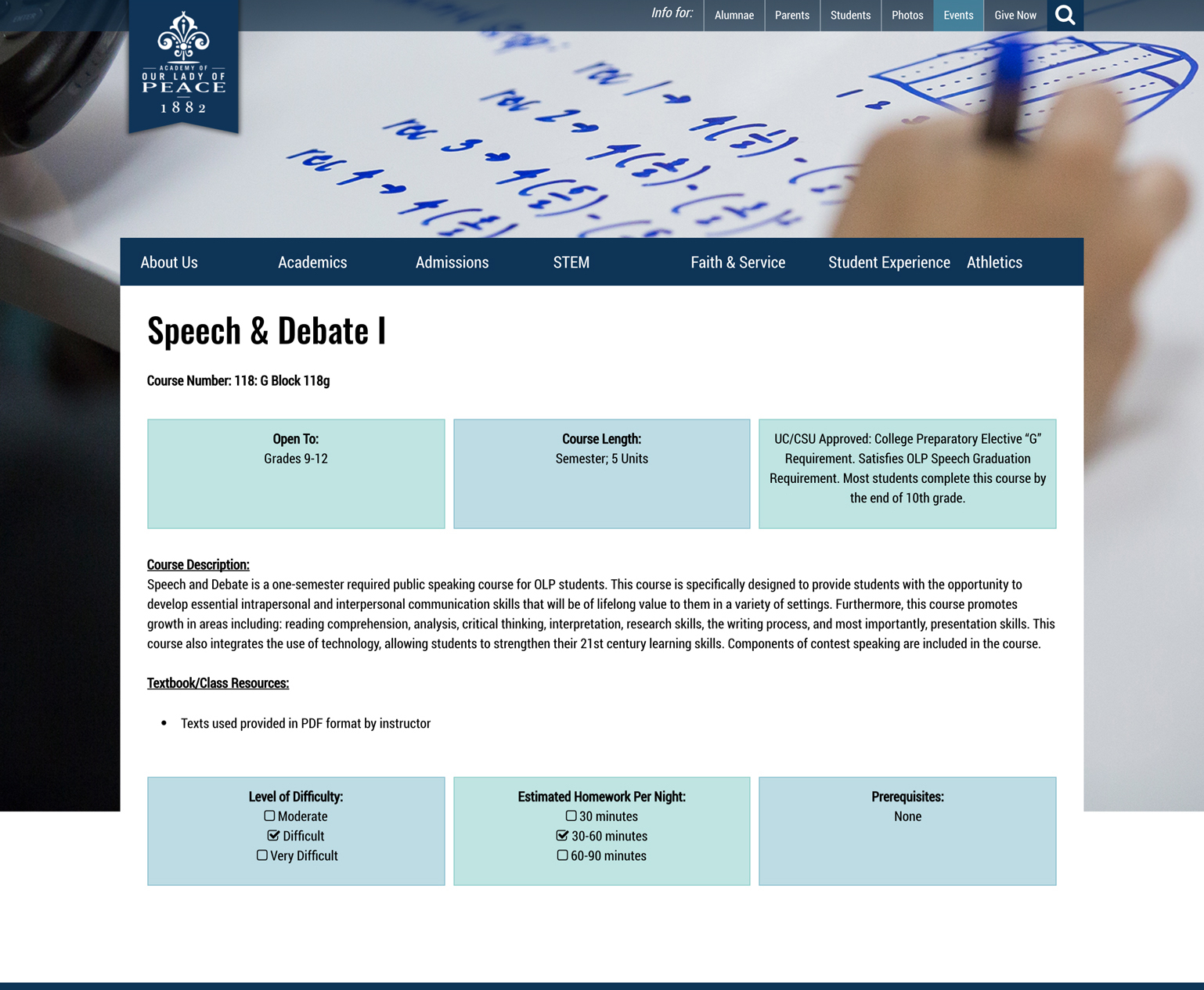
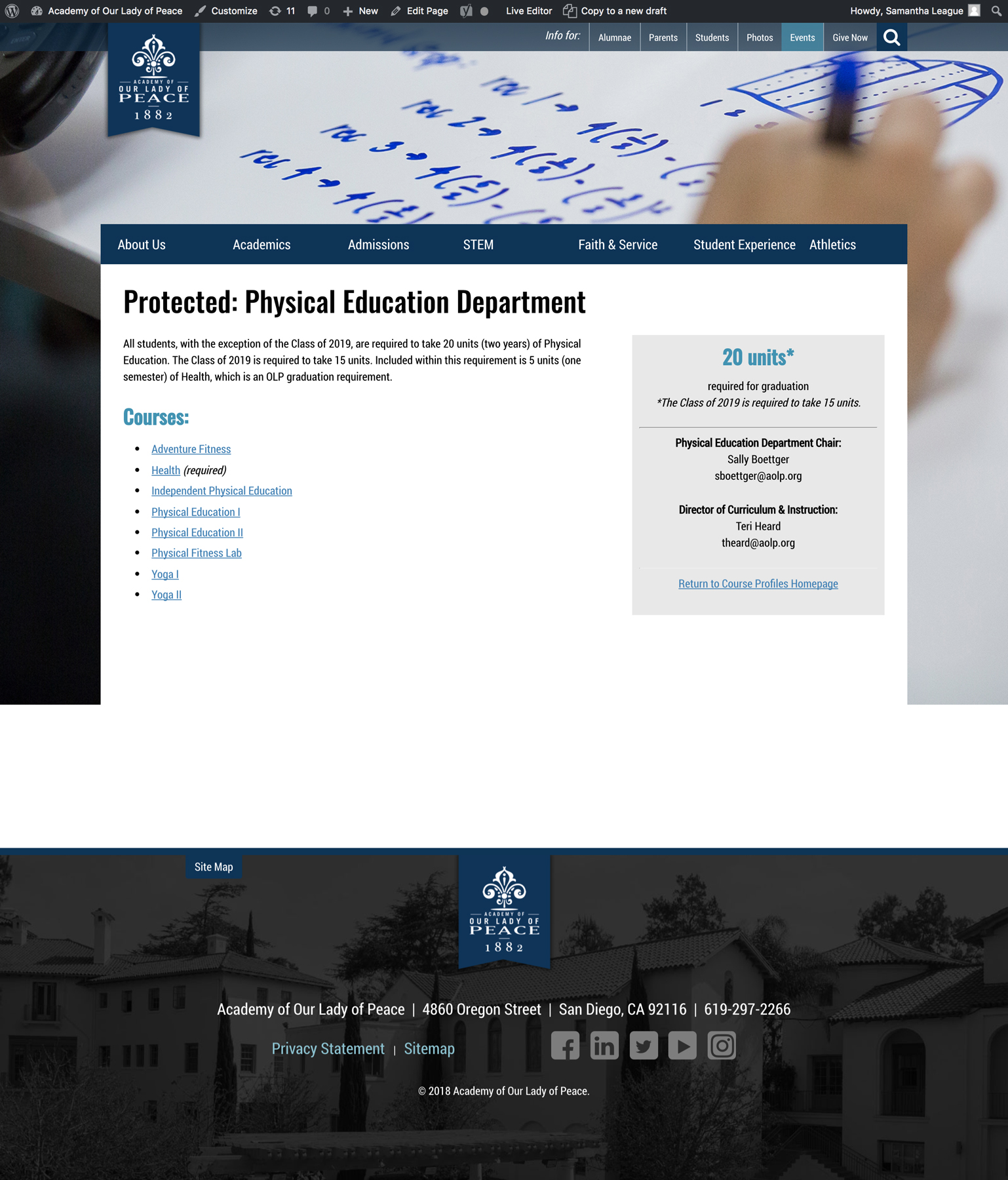
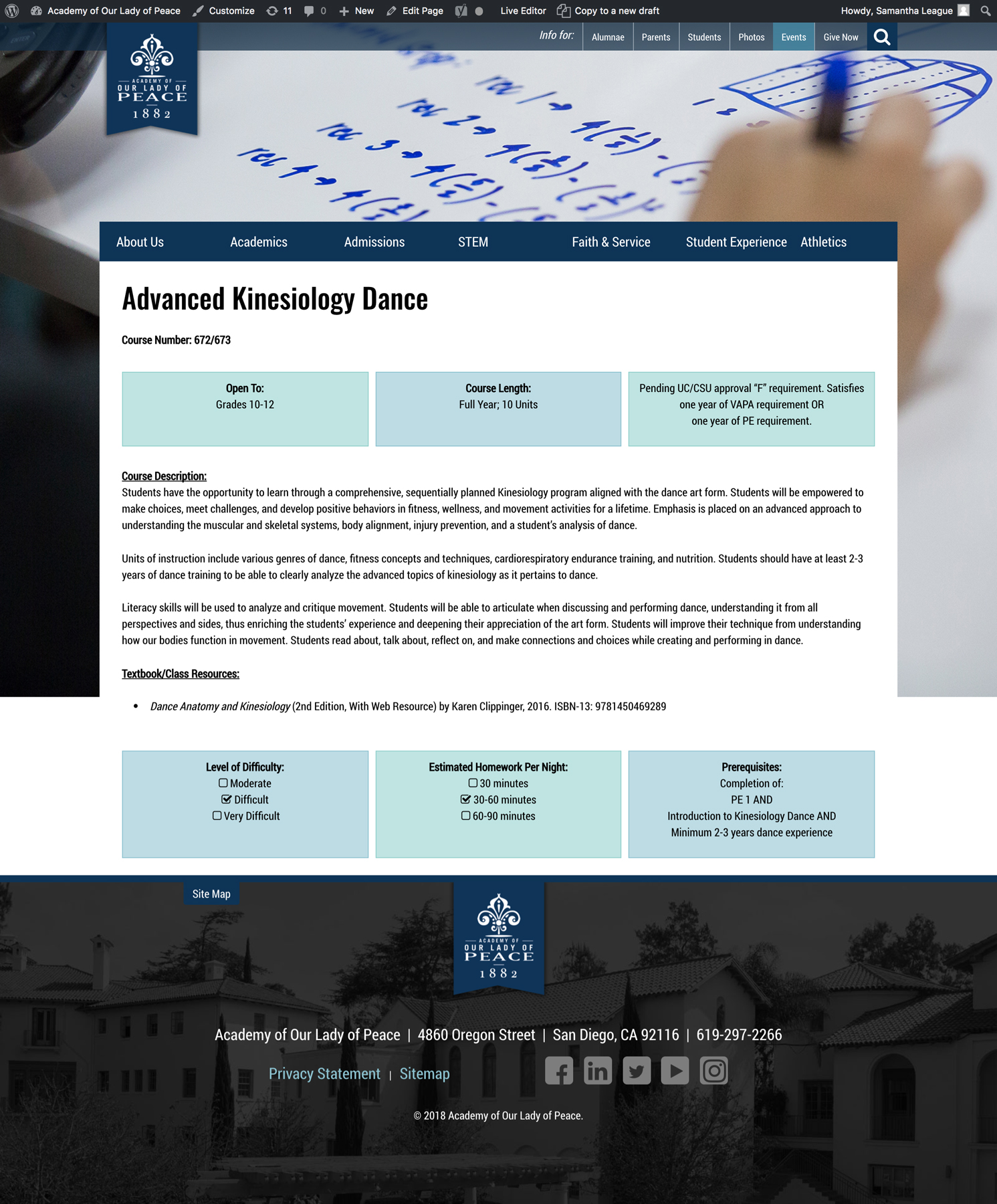
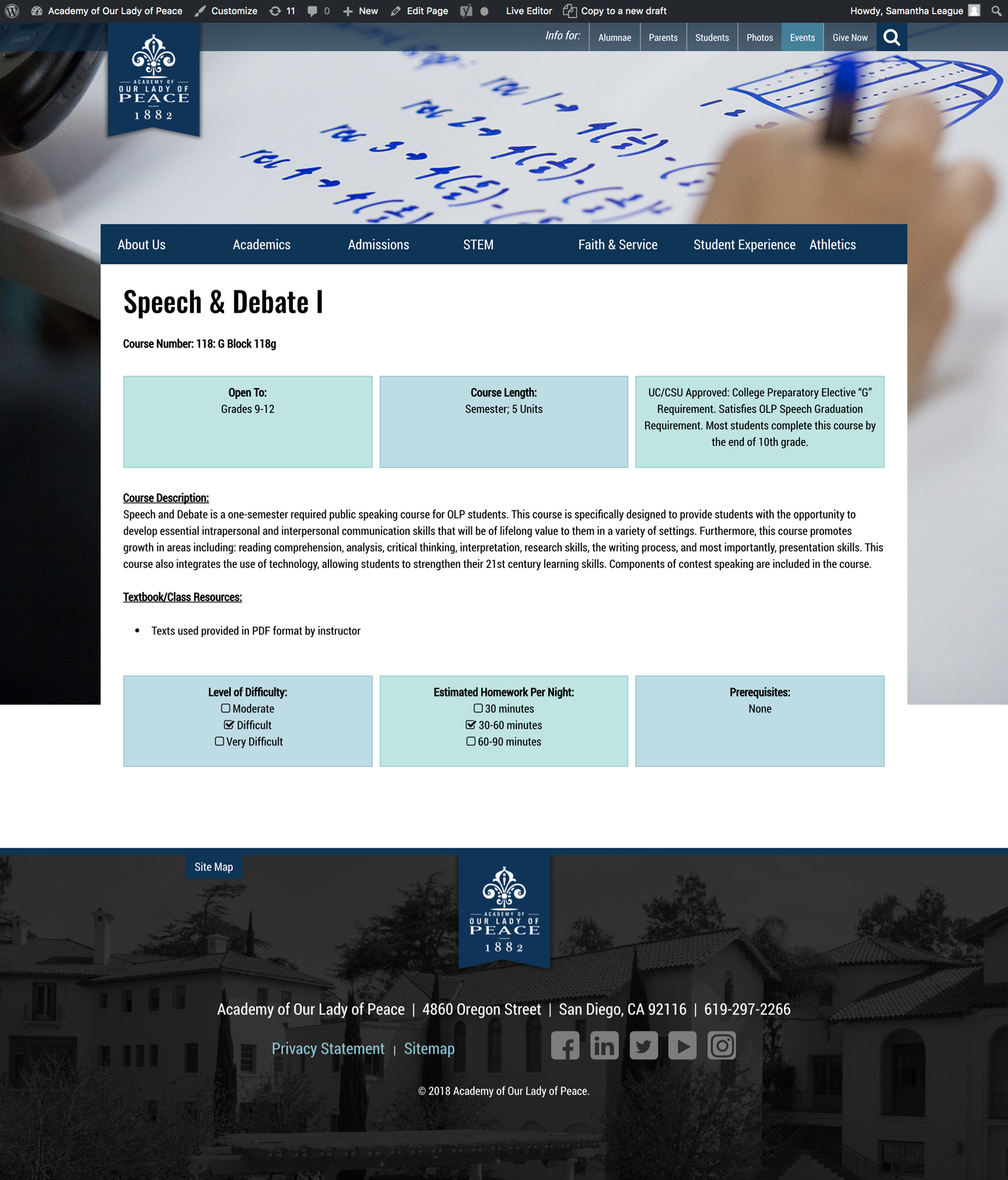
OLP Course Profiles
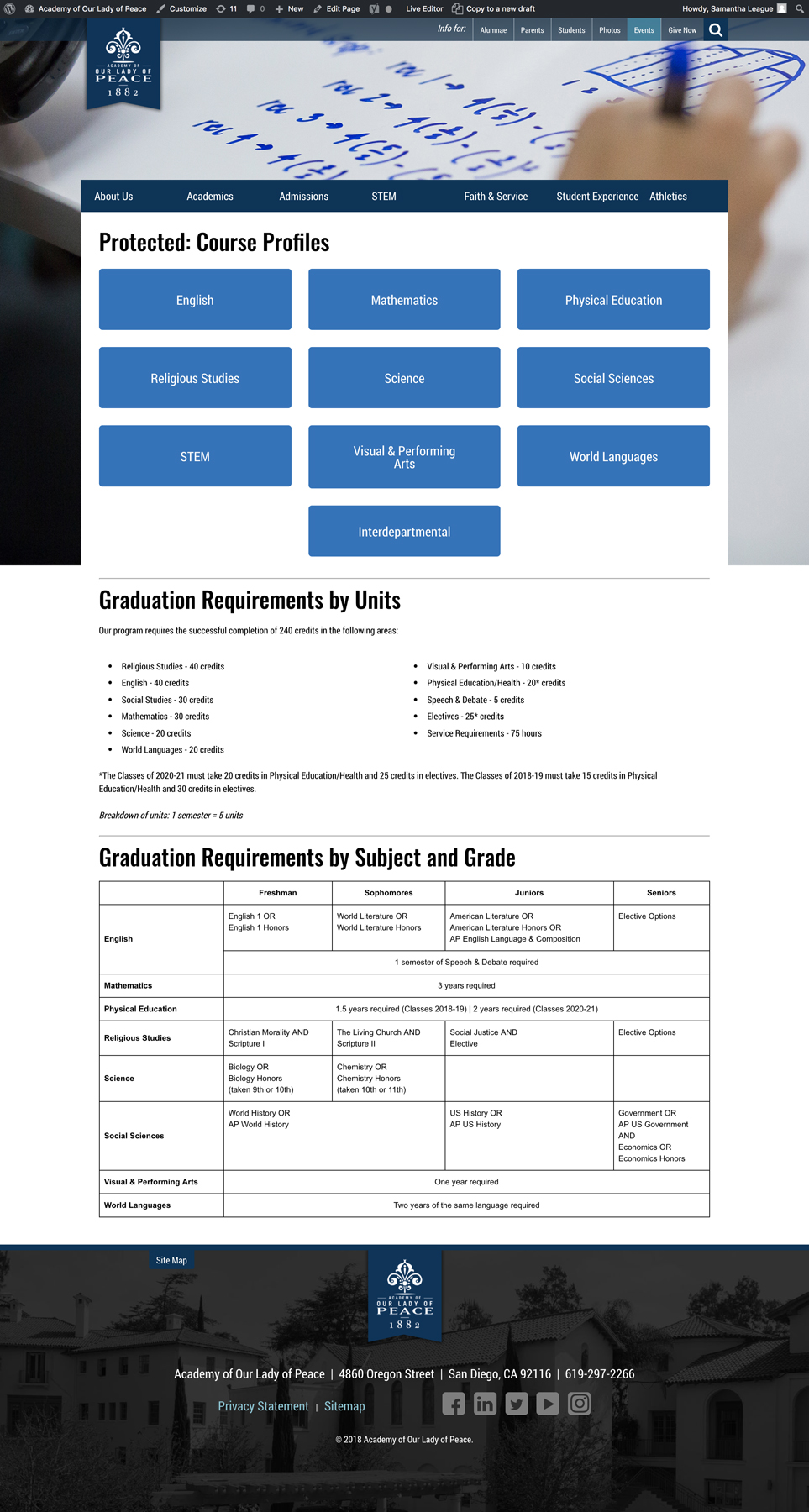
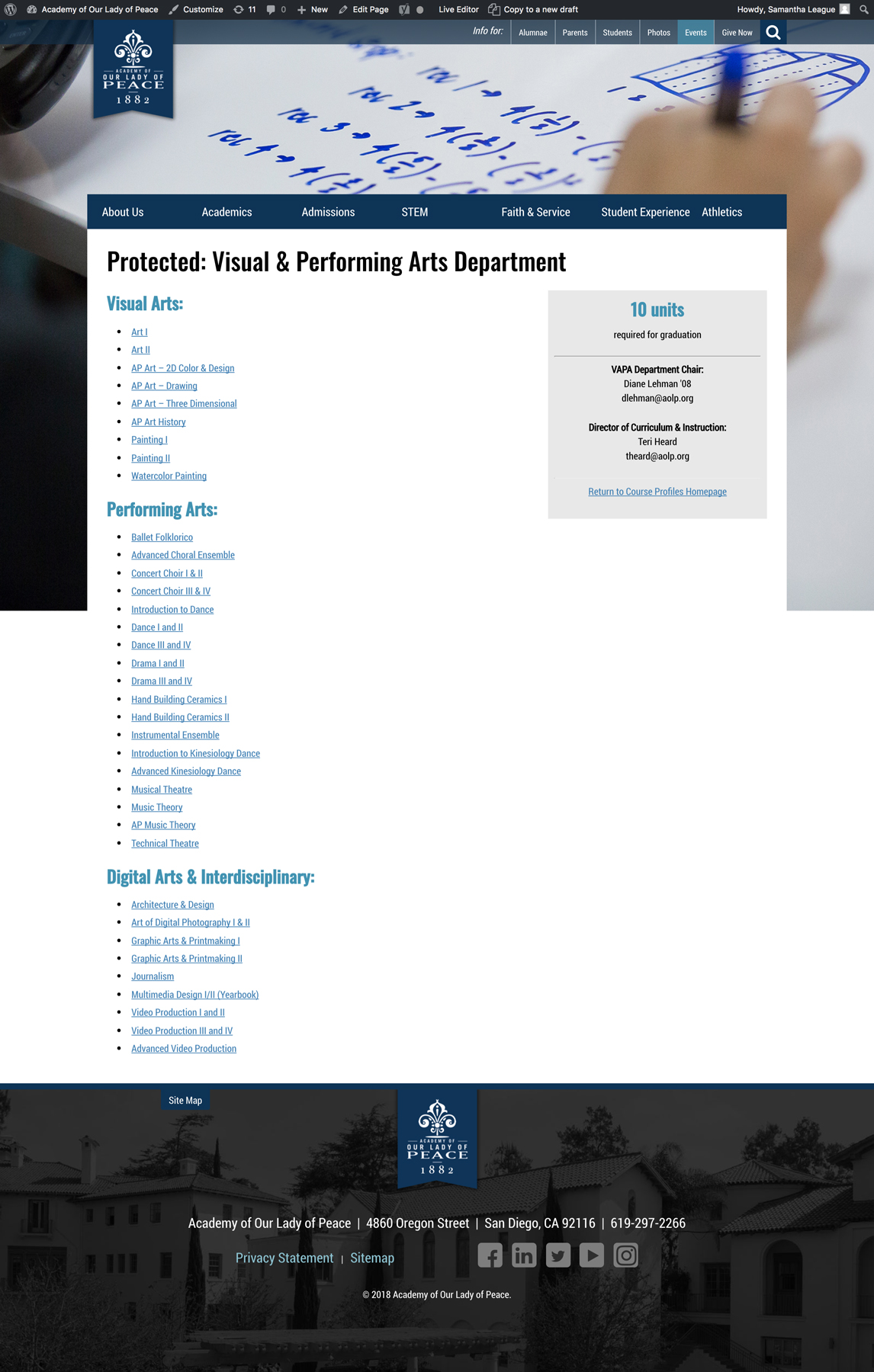
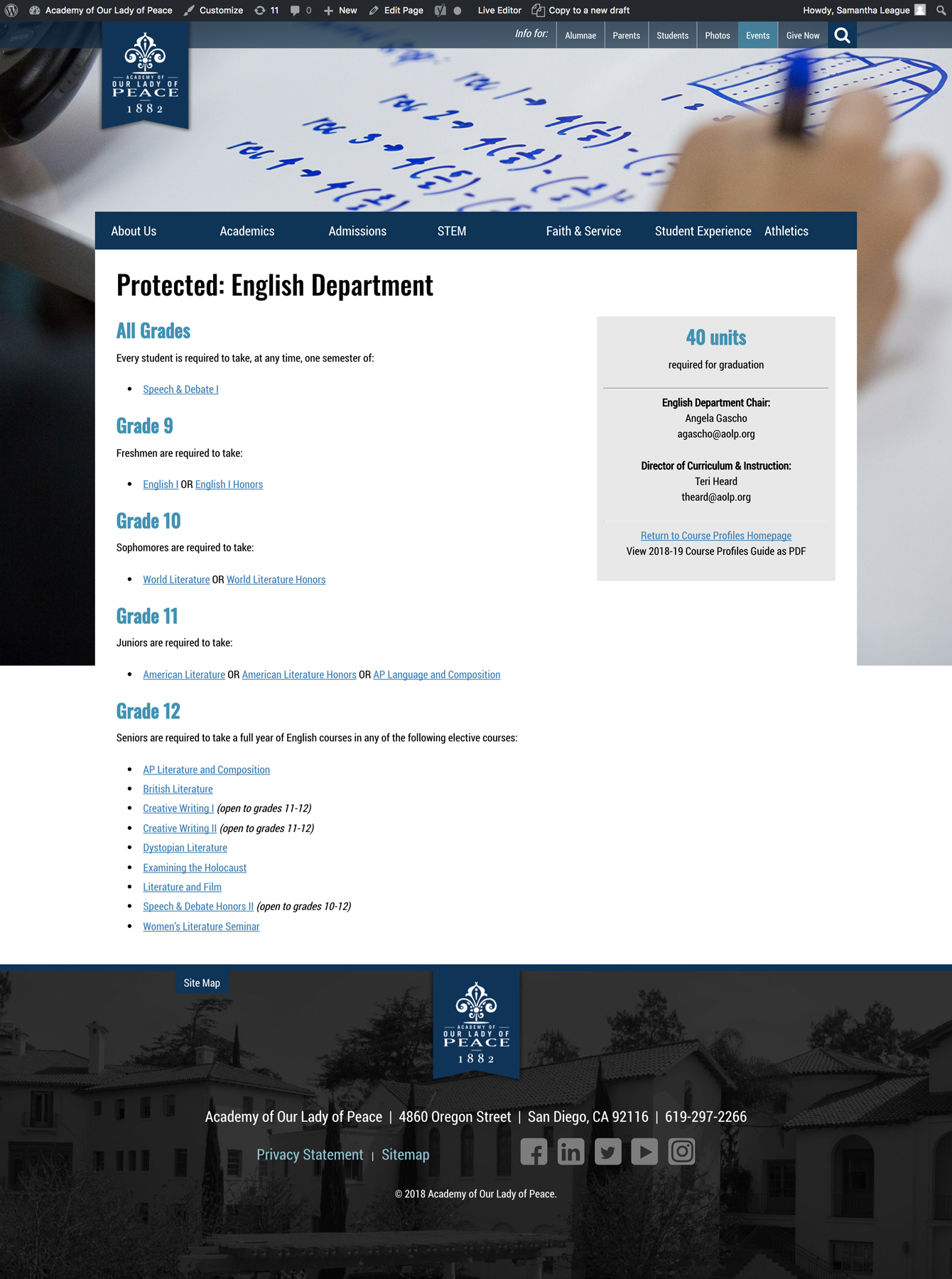
OLP Magazines

Winter 2018

Fall 2017

Summer 2017

Spring 2017

Winter 2016

Summer 2016

Spring 2016
OLP Photo Storage: Vidigami
One of the most challenging projects I oversaw at the Academy of Our Lady of Peace (OLP) was the implementation of Vidigami, a photo management and sharing platform designed for schools. Despite being a 135-year-old high school, OLP had no digital system for storing their photos. Finding photos for marketing materials was dependent upon email requests to fellow coworkers or sifting through yearbooks.
After much research, I decided on pitching Vidigami to the leadership team. Vidigami is a cloud-based system with endless storage. It is also invitation-only, which makes it more private than social media and gives administrators more control over what is uploaded and how it is organized. Further, whoever is invited has the ability to upload photos directly to the system through vidigami.com or their iOS/Android app.
Setting Up Vidigami
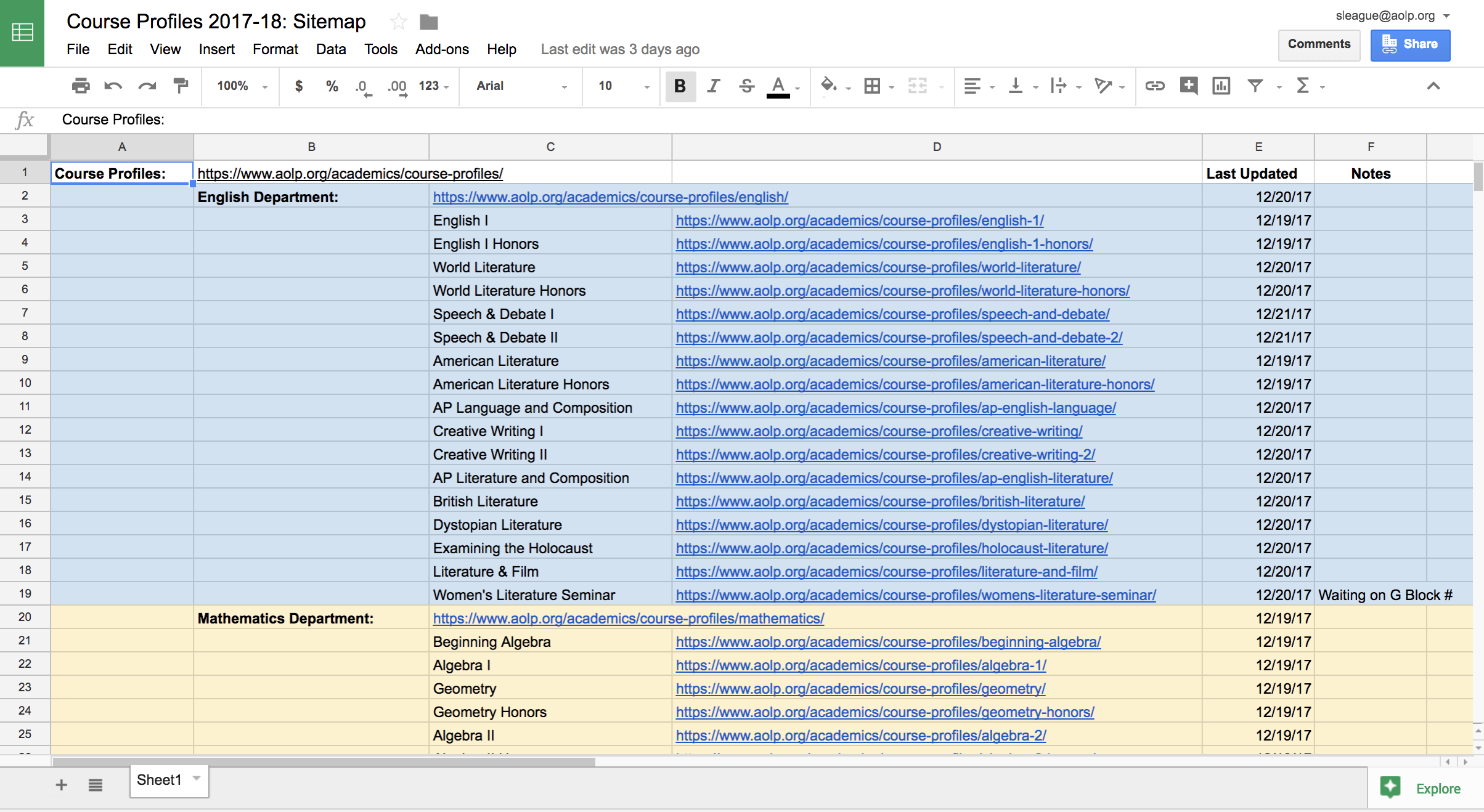
Setting up Vidigami was a very tedious process. Due to its invitation-only nature, I had to provide information on the 2,000+ people who would be using it in 2017-18, including first and last names, email addresses, IDs and student-parent relationships. The most challenging part was that our faculty and parents do not have IDs in our internal database; only students do. As a result, I had to randomly generate numbers in Excel and assign them to faculty and parents, all while ensuring parents of siblings had the same numbers.
The next phase was designing an organization system for 135 years of photos. Since we purchased 10 "years" of archive storage along with our current 2017-18 year, I decided to organize them as:
- 2017-18
- 2016-17
- 2015-16
- 2014-15
- 2013-14
- 2000s
- 1990s
- 1980s
- 1970s
- 1960s
- Historic
The most recent five years can be organized more specifically at the next level of "categories." Vidigami provides the following categories: Internal, Academic, Athletics, Arts, Events and Clubs. The decades can be organized more loosely since we have far less photos of those time periods. I decided to start with just the "Internal" group.
The next level of organization is "groups," which are completely customizable. Within groups are "albums," which is the last level of organization. Albums can be very specific and can belong to more than one group. To help you grasp this concept, here is how the 2017-18 Athletics category is organized:
- Athletics (category)
- Fall Sports (group)
- Volleyball (album)
- Cross Country (album)
- Tennis (album)
- Golf (album)
- Winter Sports (group)
- Spring Sports (group)
- Year-Round Sports (group)
- Fall Sports (group)
In each decade, I decided to organize them as:
- Internal (category)
- 1969-1970 (group)
- (Graduating) Class of 1970
- 1969-1970 Yearbook
- 1969-1970 (group)
Since we use senior photos of alumnae often, I decided to give each graduating class their own album within their senior (academic) year. The second album is where all scanned photos from yearbooks can go. It is up to my replacement to decide whether or not to take individual photos of each junior, sophomore and freshman class in every yearbook.
Finally, the Historic year will house everything from 1882-1959. Each decade is a group and albums will vary according with material we find in our archives room.
Uploading Photos
The next step was to begin uploading all of the photos I had accumulated in my two short years. This turned out to be more challenging than I had expected because the way I organize my own photos (chronologically by year, month, day) was different than how I set up Vidigami. So far, I've uploaded over 11,000 photos.
Another challenge was to be vigilant about tagging as I uploaded. Thankfully, tags can be applied at the group and album level, but it took some time to figure out which tags were most important.
Teaching Others
The beauty of Vidigami is that any user can upload their photos directly to the system. If everyone participates, the result is a robust database of everything that happened at OLP that year.
I decided to roll out the system to faculty & staff first. While we can include students and parents, I wanted to figure out the kinks and growing pains before getting them involved. I had to give a presentation on how to use Vidigami during a faculty & staff meeting and created a "Help Sheet" that outlines basic processes (how to upload a photo, etc.).
I also decided to invite my three student aides to Vidigami so they could help me tag photos. Their biggest job was to go through every 2017-18 yearbook photo and tag each student's face with their name. Vidigami has facial recognition software, and after 5-7 manual tags, the system will automatically tag faces.
Conclusion
Completely setting up Vidigami for OLP would have been a 2-3 year project that I was happy to take on. Once finished, anyone could search for "Samantha League + mass," and Vidigami would pull up every photo of me at mass. Similarly, one could search for "alumna + chapel + 1980s," and Vidigami would show every photo of the chapel from the 1980s that had an alumna in it. The results are endless.

When you sign on Vidigami, a social feed of recent activity appears.

The beginning of the 2017-18 year.

The Fall Sports group within the Athletics category.

The Tennis album within the Fall Sports group.

What it looks like when you view a photo. You can add a title and description to each photo.

OLP Photography
A collection of my personal best:


OLP Mary Poppins Playbill
The Academy of Our Lady of Peace's (OLP) drama department performs two shows a year. In effort to produce printed collateral of the same standards across all departments, I took on the responsibility of designing and printing playbills for our student performances.
The Mary Poppins playbill was the last I designed before leaving OLP. Improvements included:
- Color on the inside pages
- High-quality advertisements for upcoming events
- Head shots of actors and actresses, all taken and edited by myself

OLP At A Glance
The At A Glance brochure is an important piece of collateral for the Academy of Our Lady of Peace's (OLP) admissions department. This four-page brochure is intended to give a snapshot view of OLP for prospective families, and is handed out more frequently than any other admissions piece.
We decided to refresh the graphics for 2017-18. My favorite piece is the "Our Graduates" section: those silhouettes are graduates from the Class of 2017, cut out in Photoshop using the pen tool.

OLP Admissions Viewbook
The Admissions Viewbook for the Academy of Our Lady of Peace (OLP) is a critical piece for prospective families. The 2016-17 Viewbook was significantly updated and rebranded from previous years, and I was in charge of maintaining that look and feel with new photos and updated copy for the 2017-18 edition.

OLP Street Banners


