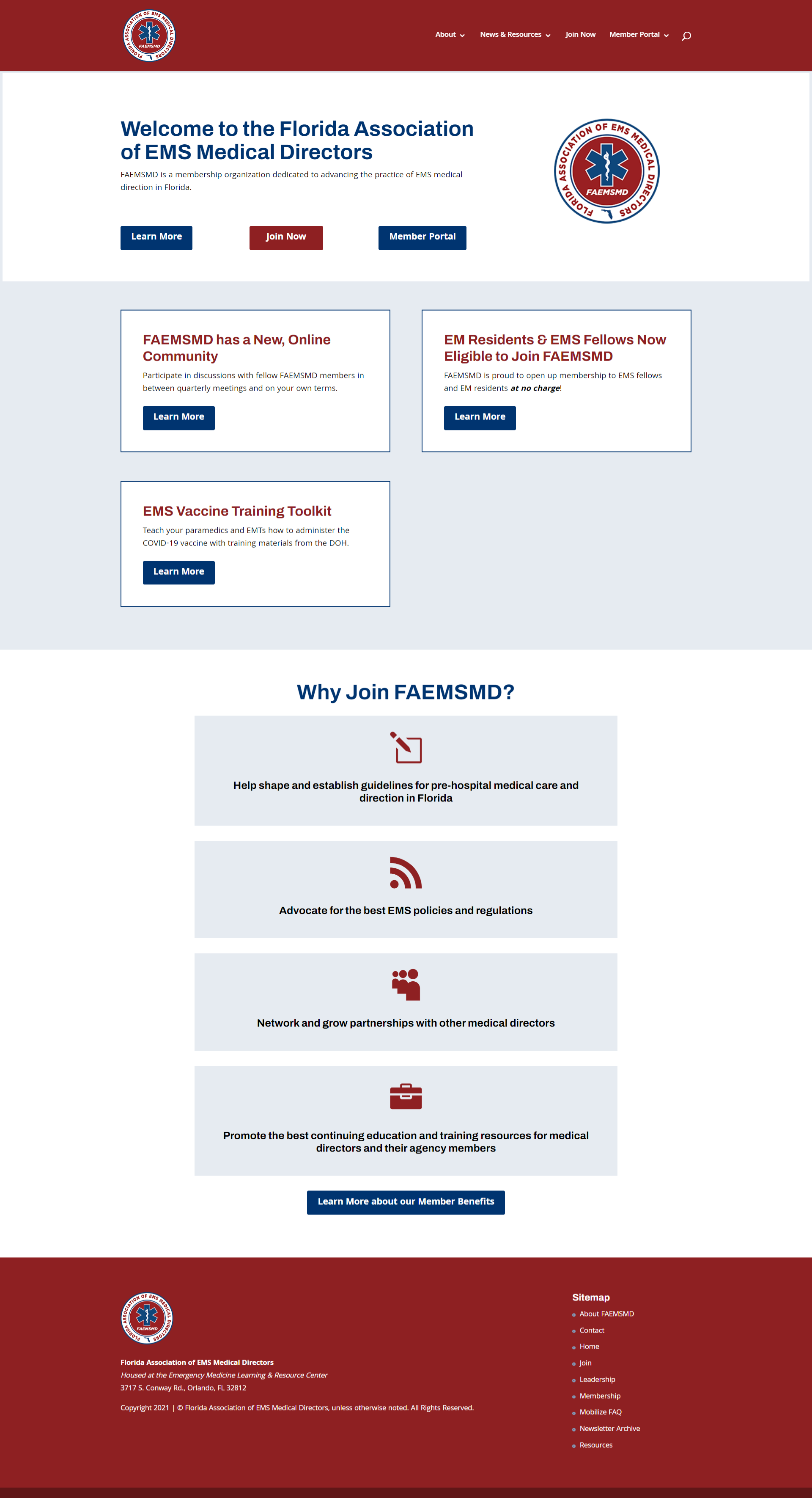
In 2021, I designed and launched a dedicated website for the Florida Association of EMS Medical Directors (FAEMSMD), a membership association that is run by EMLRC staff. Visit it now at faemsmd.org.
Tag: website design
EMpulse Online
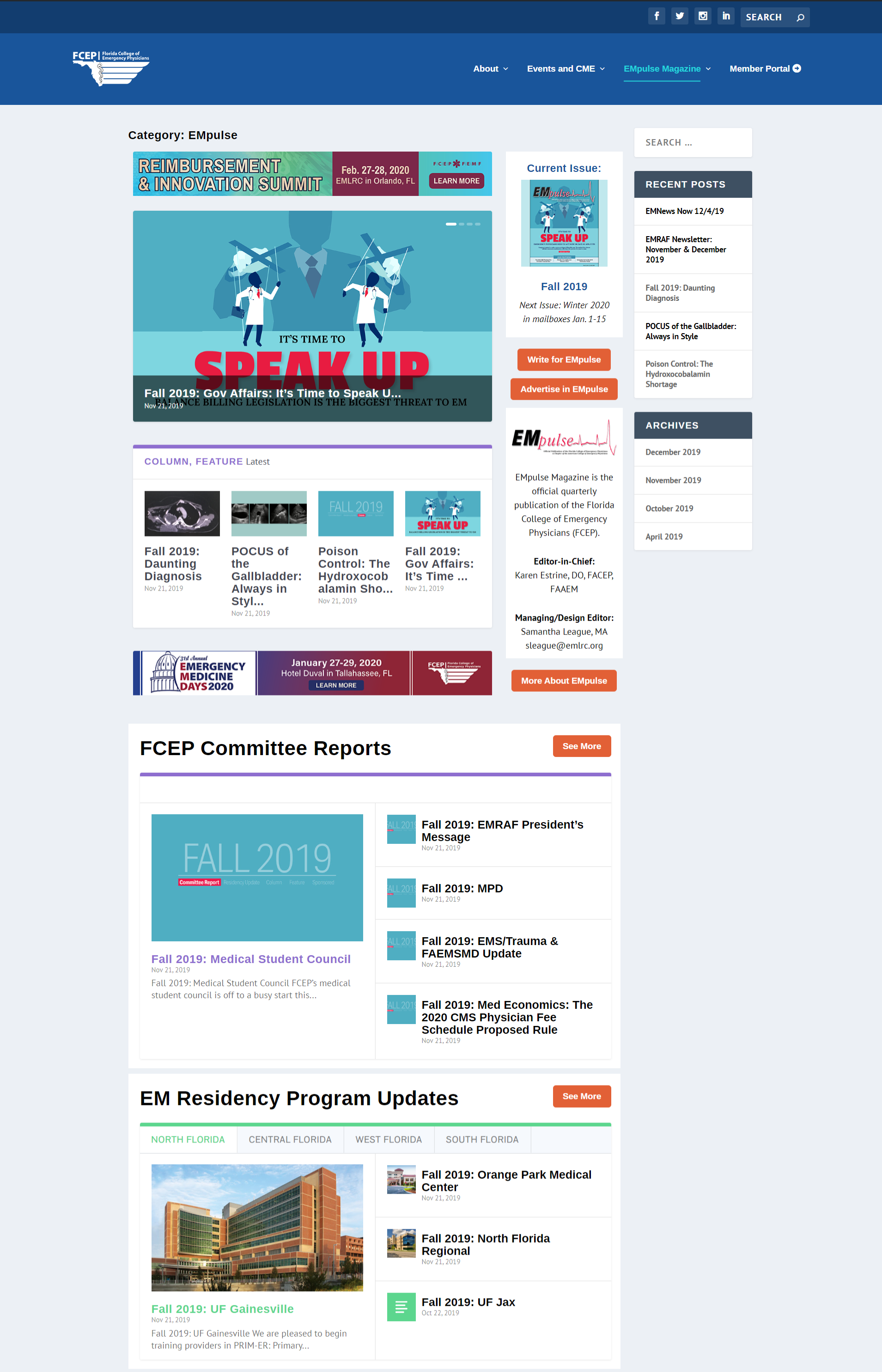
In December 2019, I designed and launched fcep.org, a website for the Florida College of Emergency Physicians. Their content was previously hosted on emlrc.org, making it hard for members to find. A big feature of fcep.org is EMpulse Online: where articles from EMpulse Magazine are hosted like a standard news service. Before this, 27 volumes of EMpulse Magazine were only produced in print.
EMpulse Online drives significant traffic to fcep.org. The top two performing pages are EMpulse scientific articles, and many other EMpulse articles consistently show up in the top 20 pages. This extends the reach of each author's content and FCEP's reputation as an authoritative voice in emergency medicine.
Each article is published as a blog post and organized with categories. I use a Guest Authors plugin to appropriately credit each author in the metadata. Where appropriate, articles contain hyperlinks to references and external resources. Some articles also contain banner ads, supplied by sponsors or designed by me for company promotions.
Each issue is accessible from the fcep.org menu at: EMpulse Magazine -> Issues. Sections from the magazine are also identified through the EMpulse Magazine dropdown menu.
OLP Course Profiles
One of my last projects at the Academy of Our Lady of Peace (OLP) was creating a section on our website for the Curriculum Guide. Prior to this year, our Curriculum Guide and course offerings were only available in a 70+ page, non-interactive PDF, and the new Director of Curriculum & Instruction wanted to provide a more accessible and user-friendly way for families to navigate course offerings.
We started planning in July 2017 and she came to me with ideas from other school websites. The following things were important:
- Every department and course needed to have its own page
- Each course needed to have a table that noted the level of class difficulty, amount of homework per night and prerequisites
- The process of collecting and transferring information into webpages needed to be as simple as possible because everything is subject-to-change every year
Layout & Design
When families click on "Course Profiles" under our Academics tab, they'll land on the Course Profiles Homepage, which has 1) a button to each department, 2) graduation requirements by units, 3) graduation requirements by subject and 4) a PDF version of everything to download and/or print (forthcoming).
Each department page is organized in a way that makes the most sense to that department. For example, English is organized by grade level because students are required to take certain courses every year; Physical Education courses are organized in alphabetical order because students can take any course to fulfill graduation requirements; and Visual & Performing Arts is divided into visual, performing and interdisciplinary arts, simply because that department is the largest and students tend to cluster their studies by those categories.
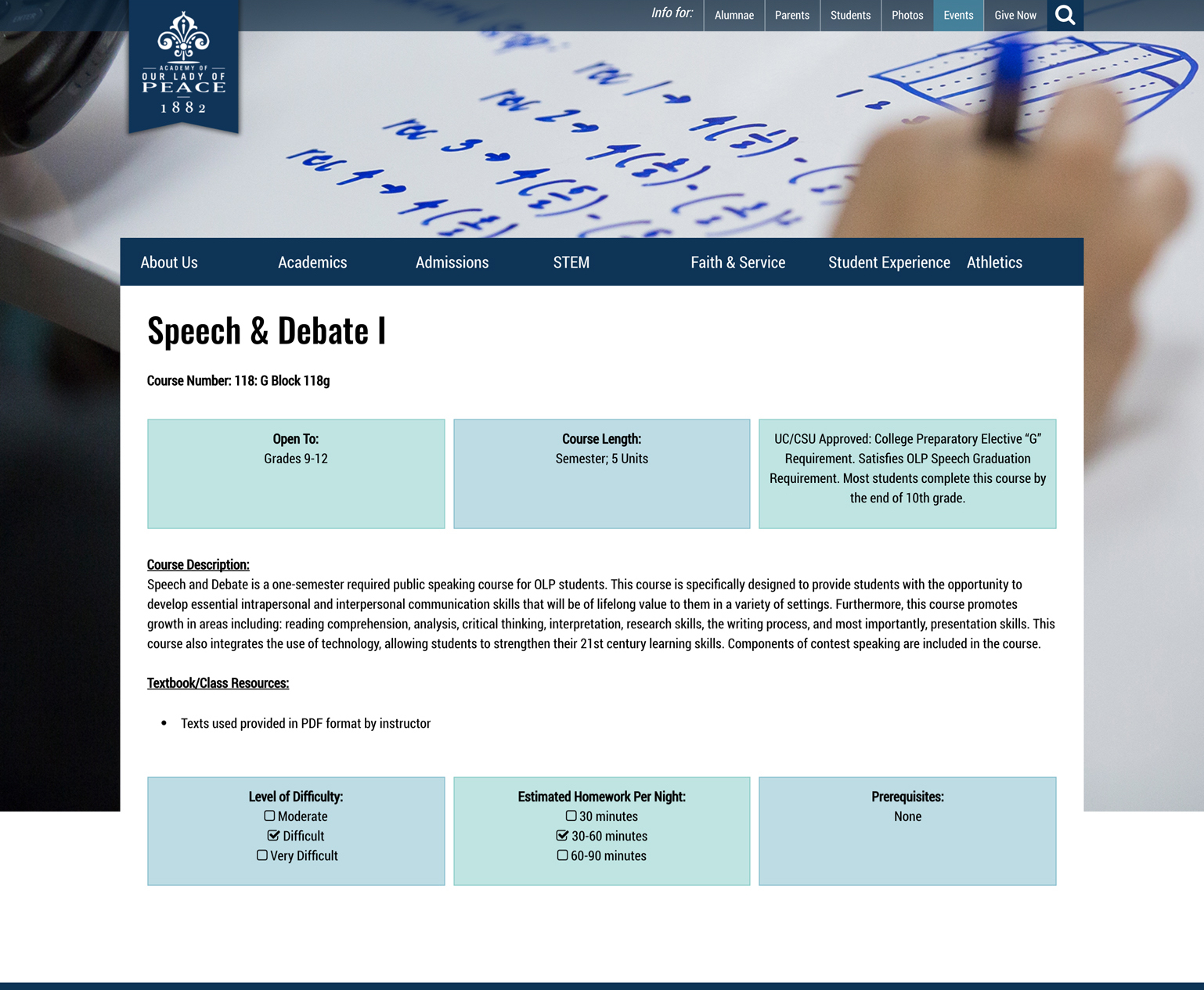
Every course page is organized in an identical format. The title & course number is the top, followed by a three-column table that notes 1) what grades may take that course, 2) how long the course is and 3) how that course meets graduation & curriculum requirements. The middle of the page includes the course description and required textbooks. Finally, the page concludes with another three-column table that notes 1) level of course difficulty, 2) estimated homework per night and 3) prerequisites.
So far, I have created and designed 144 pages for this section.
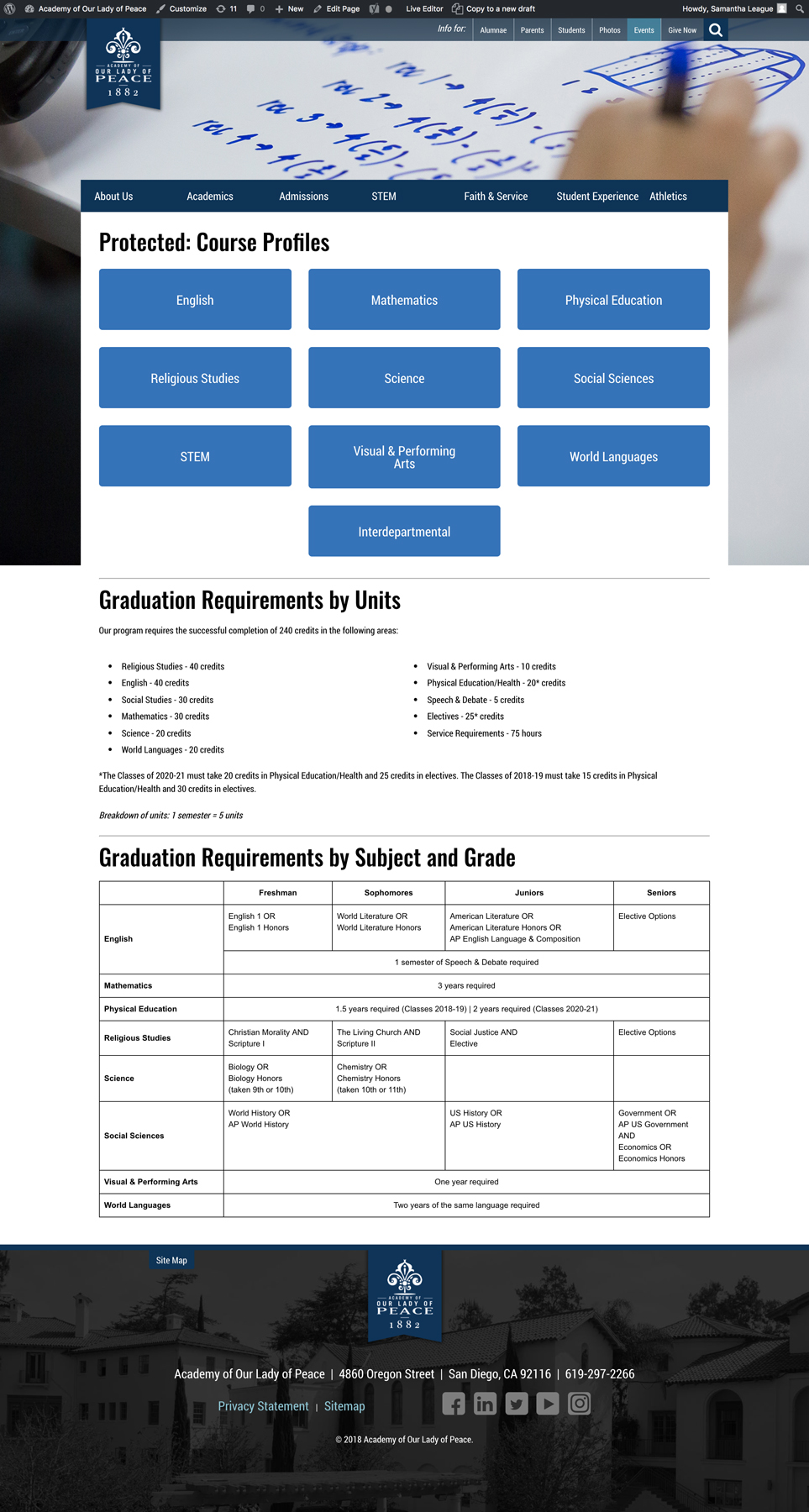
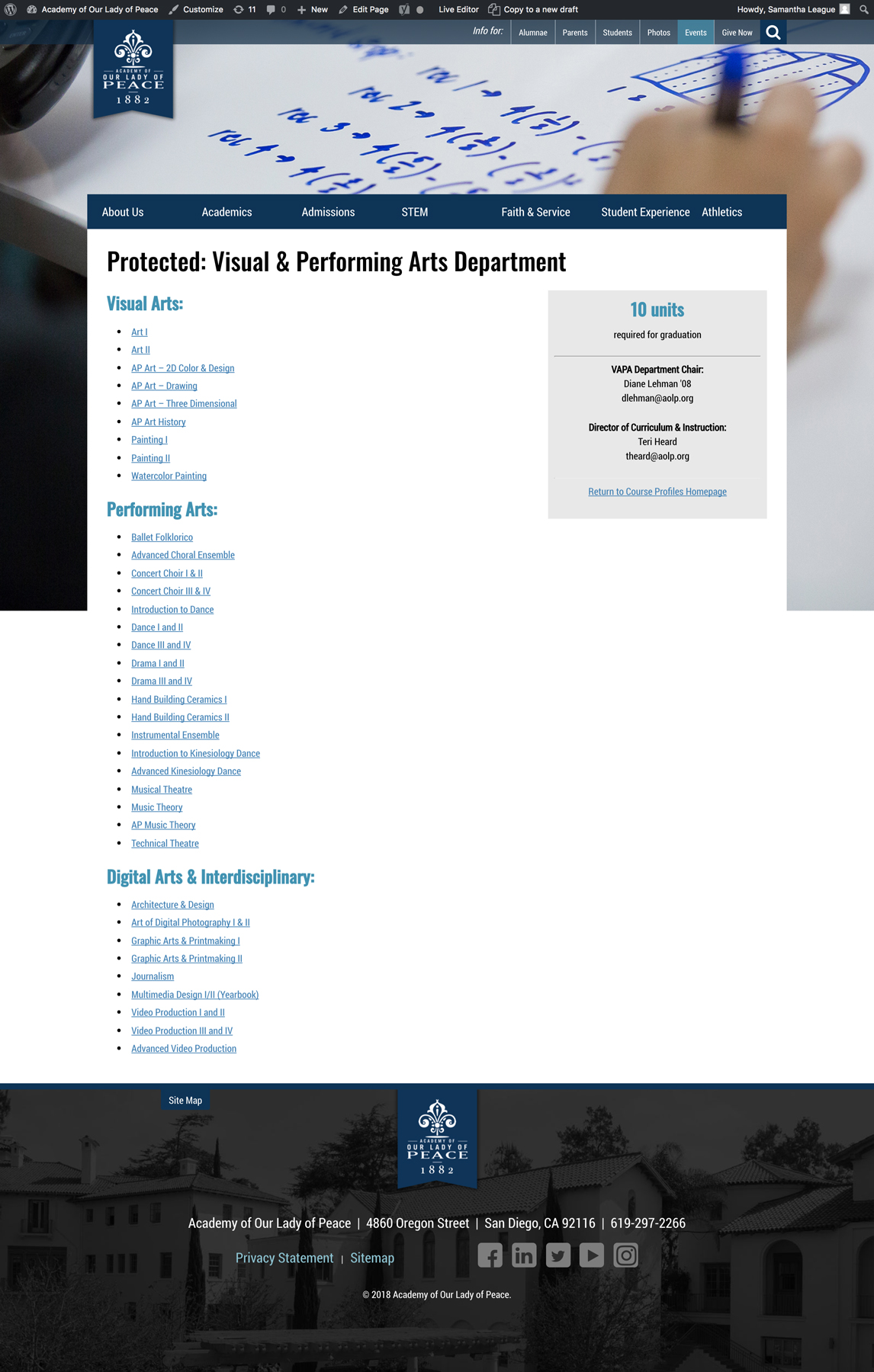
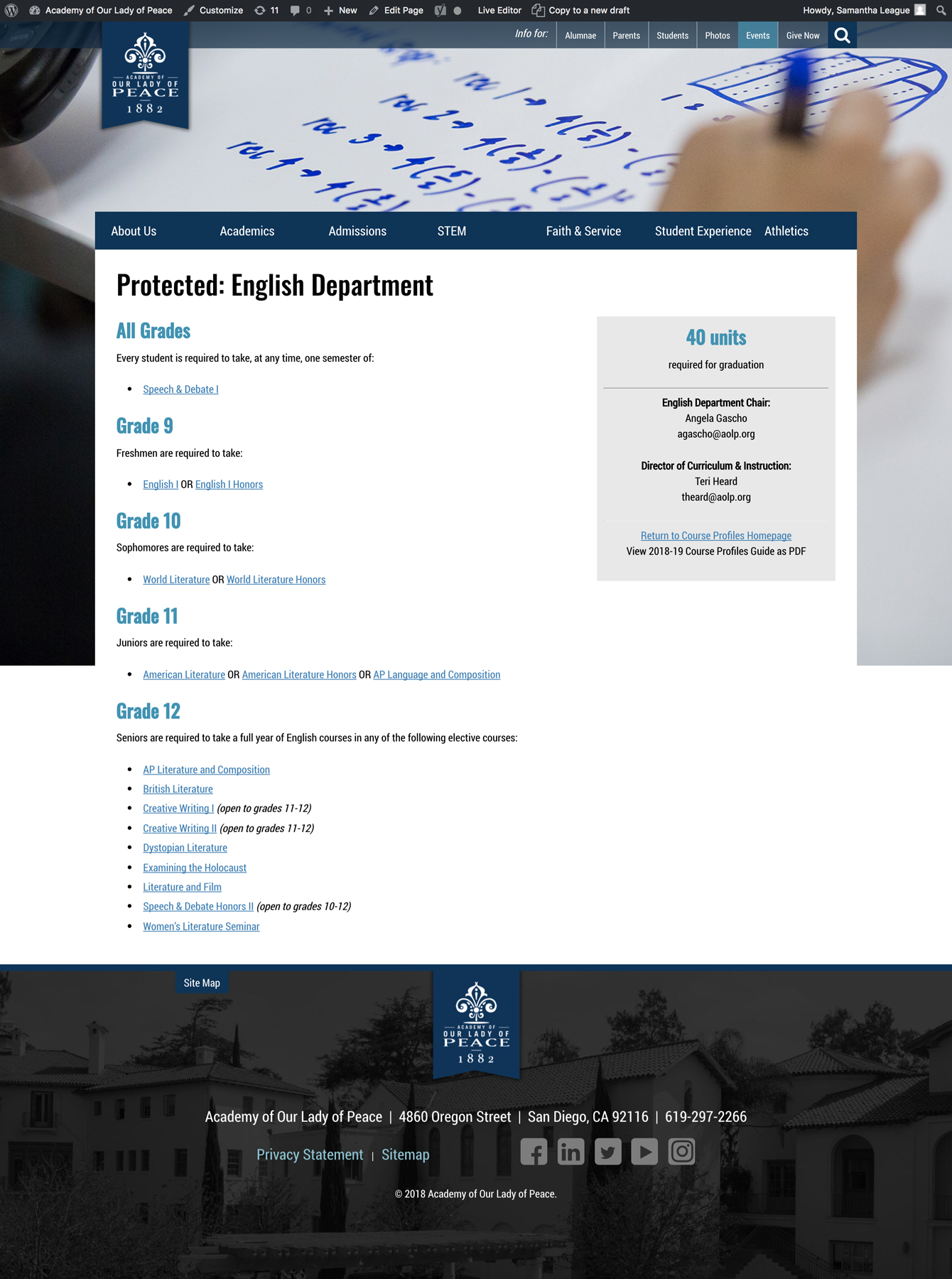
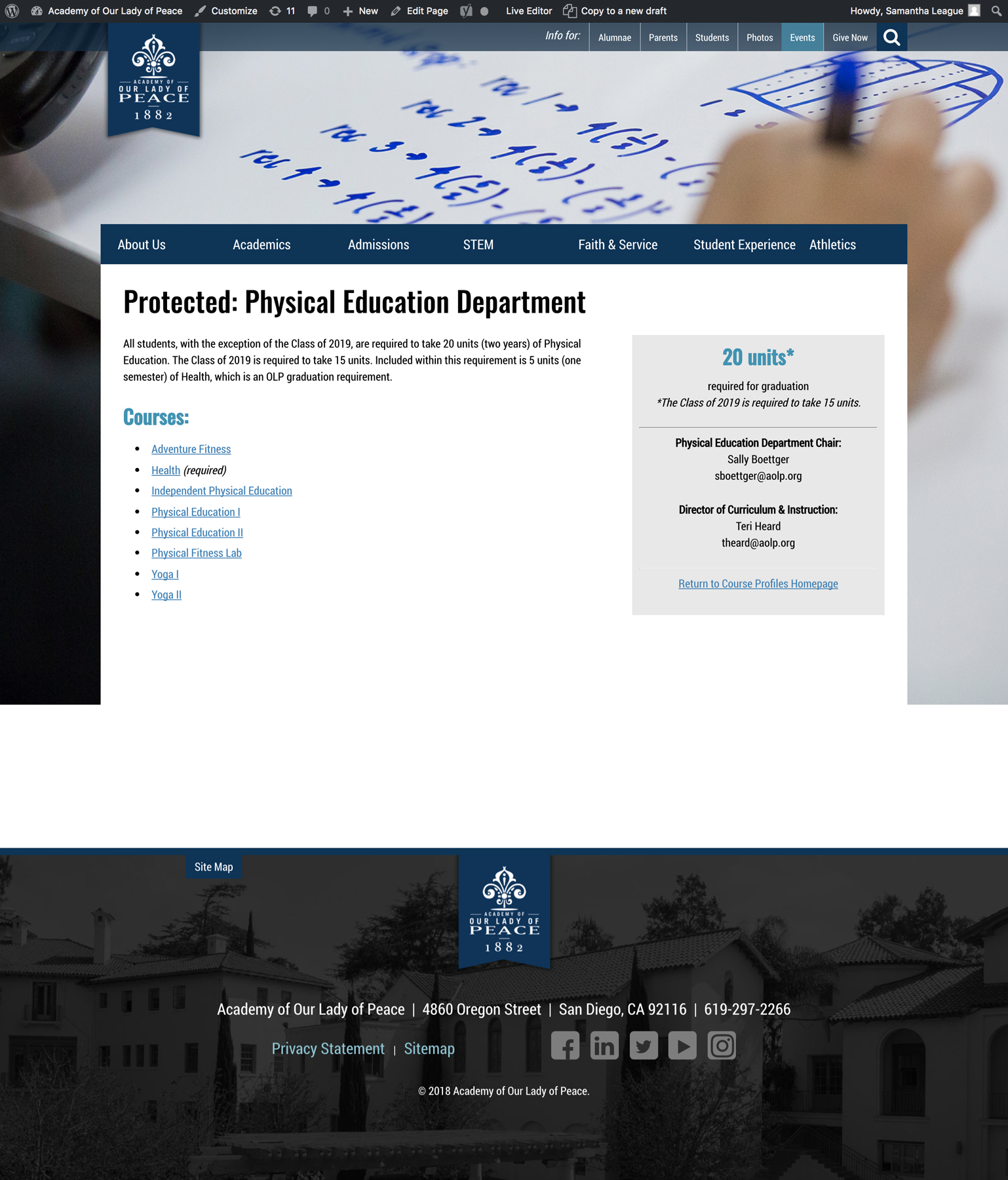
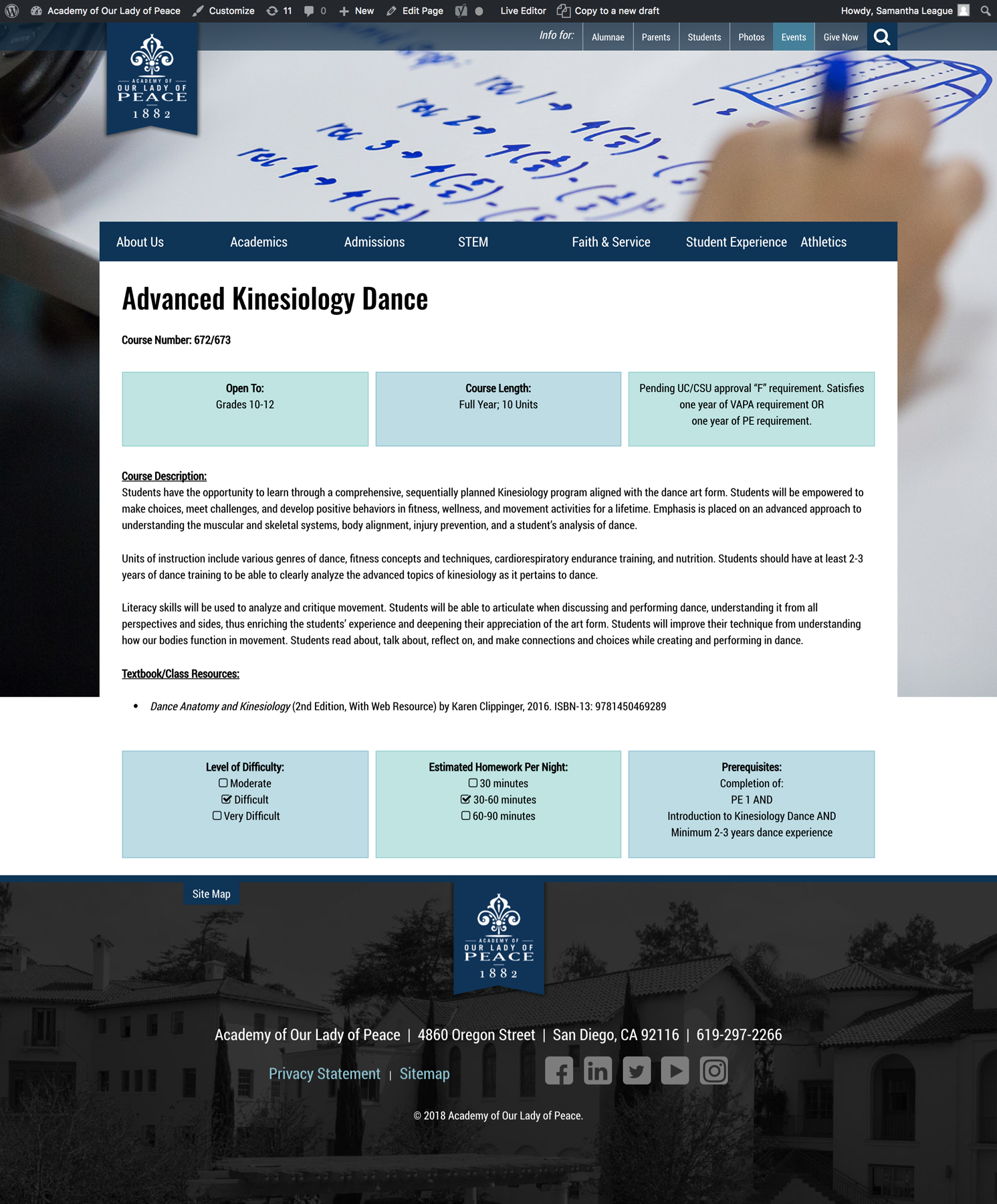
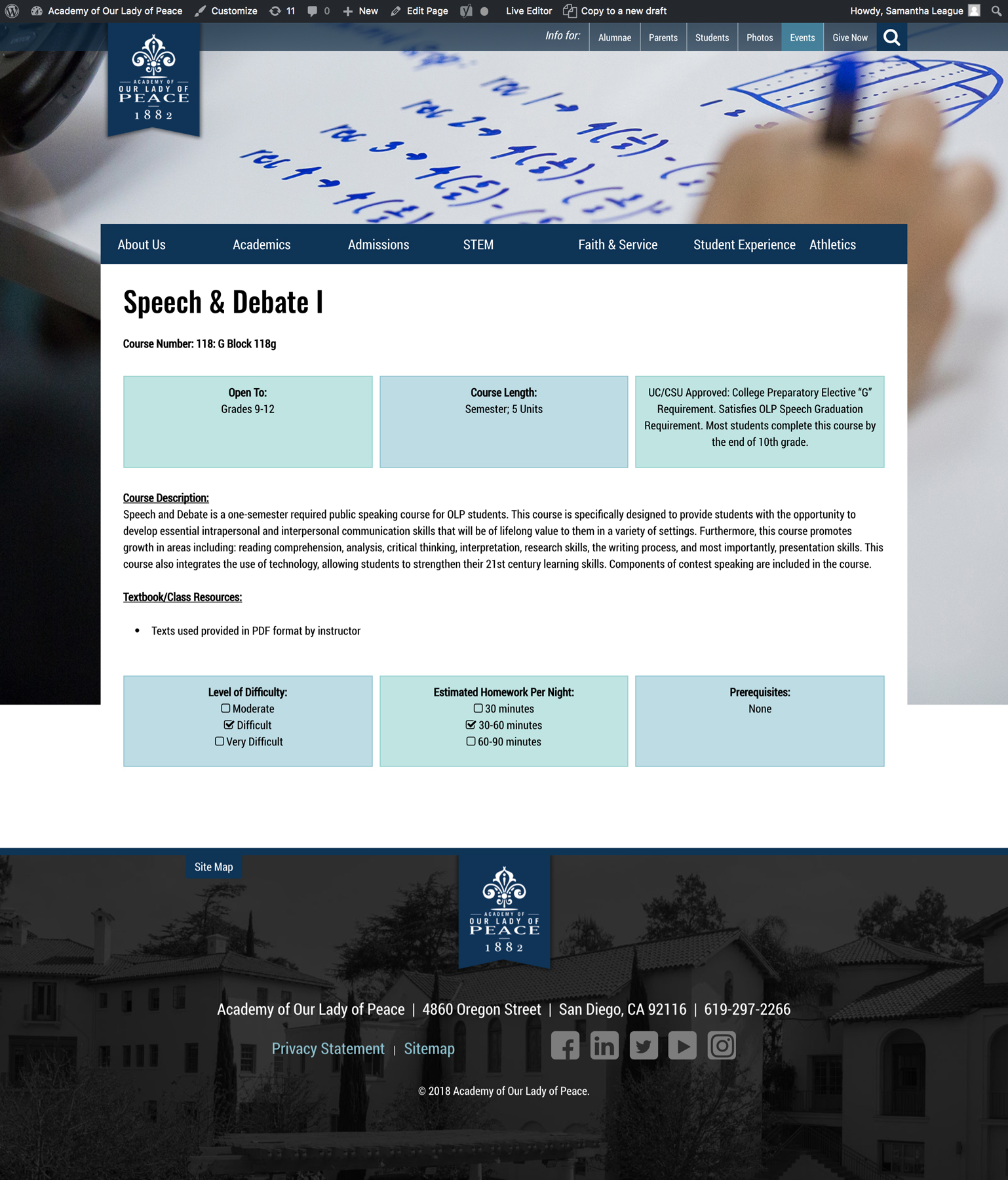
You may notice that every page has the same background image. Every section on our website has the same background image as well – all "Faith & Service" pages have the same background, all "Athletics" pages, etc. Although Course Profiles will technically be under "Academics" vs. its own menu, I wanted to make it clear that these pages belong to the Curriculum Guide in case they are found through our website's search bar. I chose this image because 1) it clearly conveys "academics," 2) shows off our new whiteboard desks and 3) can be used for a few years since it doesn't show a student or teacher's face.
All pages in this section, along with most pages on OLP's website and my own, were designed with SiteOrigin's Page Builder plugin.
Maintaining Pages
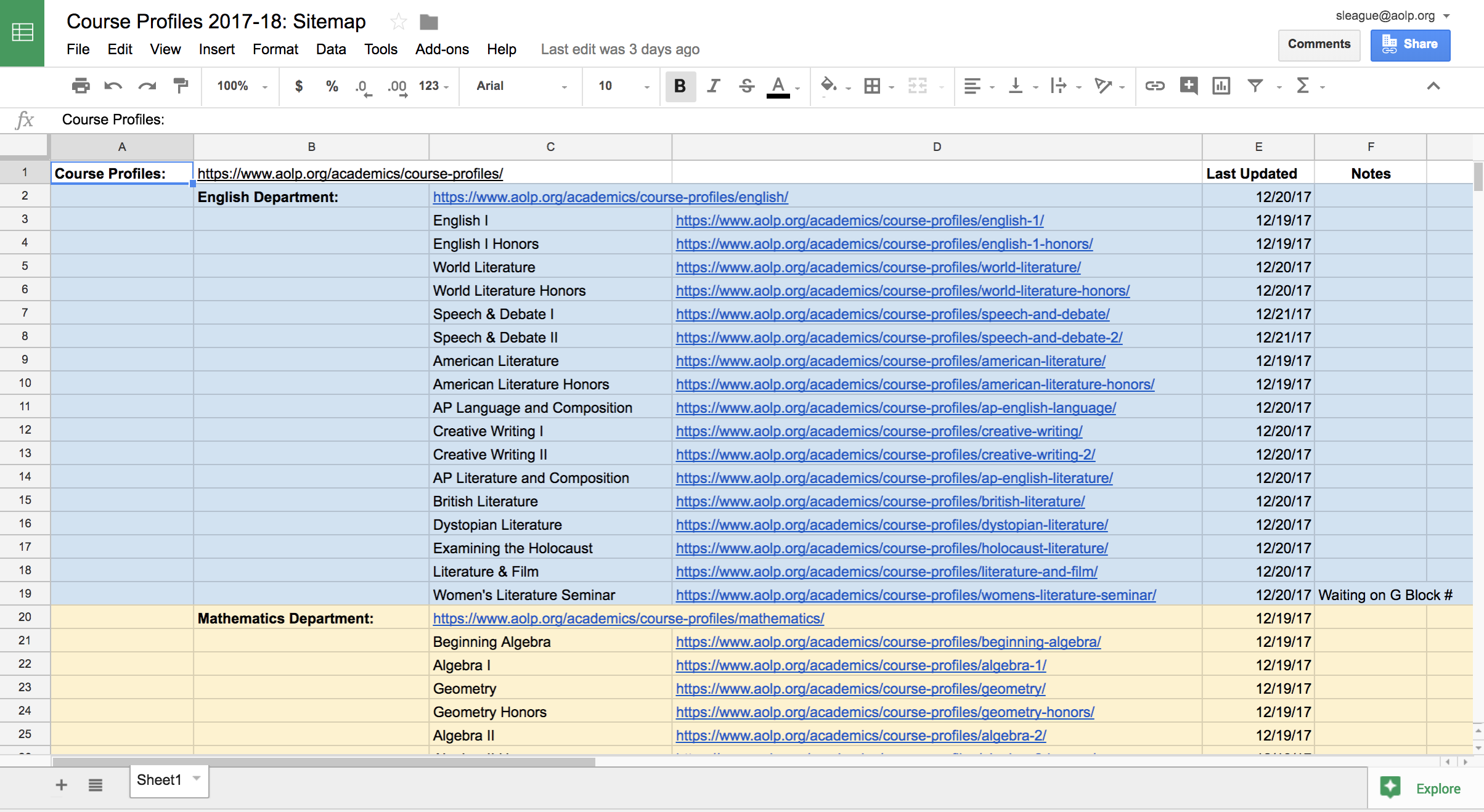
Drafting the Curriculum Guide is a big annual project that requires input from virtually every teacher. To track changes to webpages, and to give everyone easy access when they need to find a specific page, I created a "Sitemap" in Google Sheets. It's divided by department, contains every URL, a column for "last day modified" and a column for "notes."